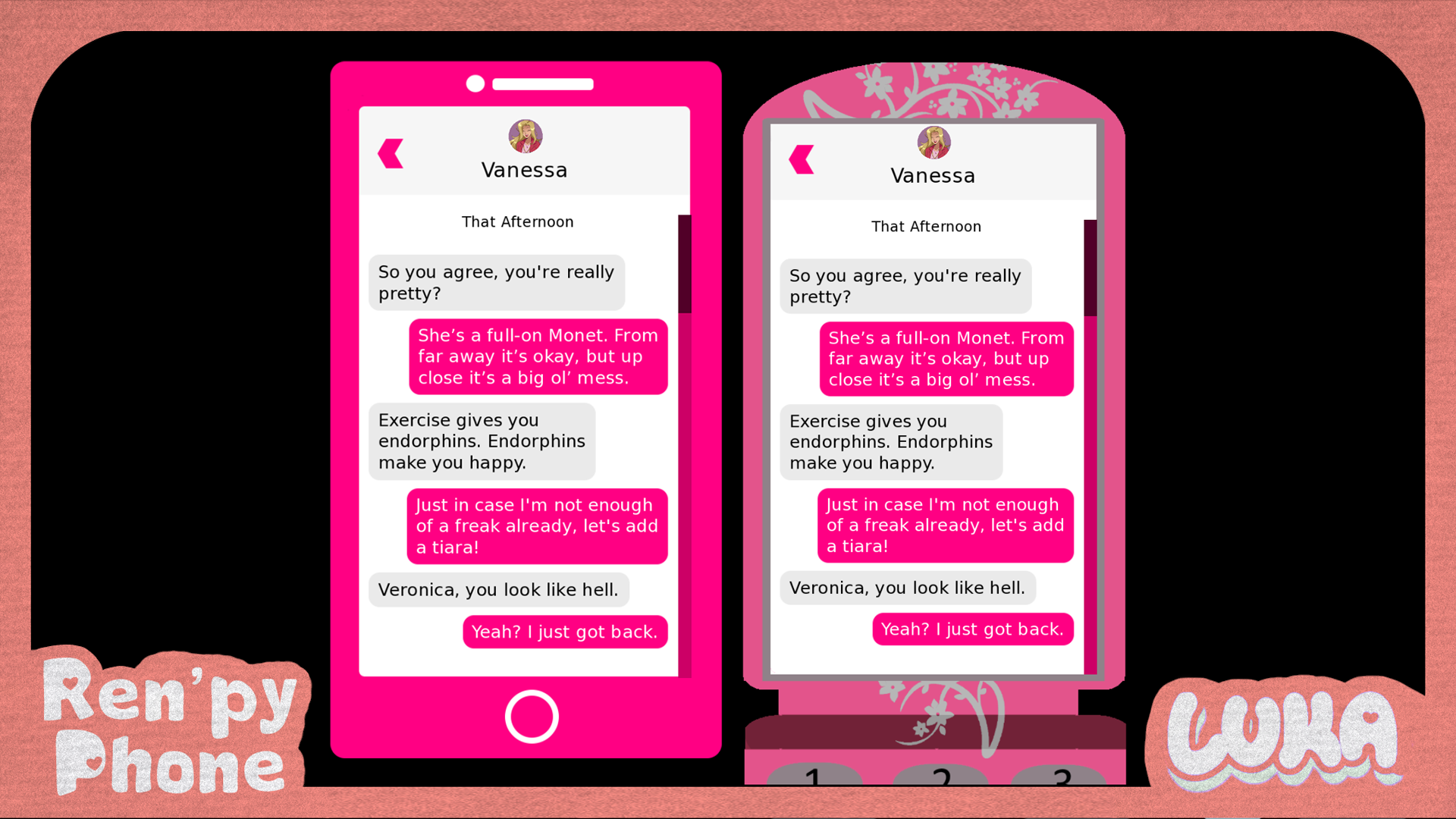
Ren'Py Phone System
A downloadable ren'py script
No longer are your visual novels bound to fantasy settings or by roleplaying "Your phone buzzes and you read the message." in the dialogue box"! Let your characters talk the modern way with this lil Ren'Py phone system (coming in both smart phone and flip phone flavours, of course). 📱
If you like this project, make sure to give it a star on Github, leave a rating, and/or get the supporters edition! ⭐ And you can view the demo here 🥰
✨What does the Ren'Py Phone™️ do?
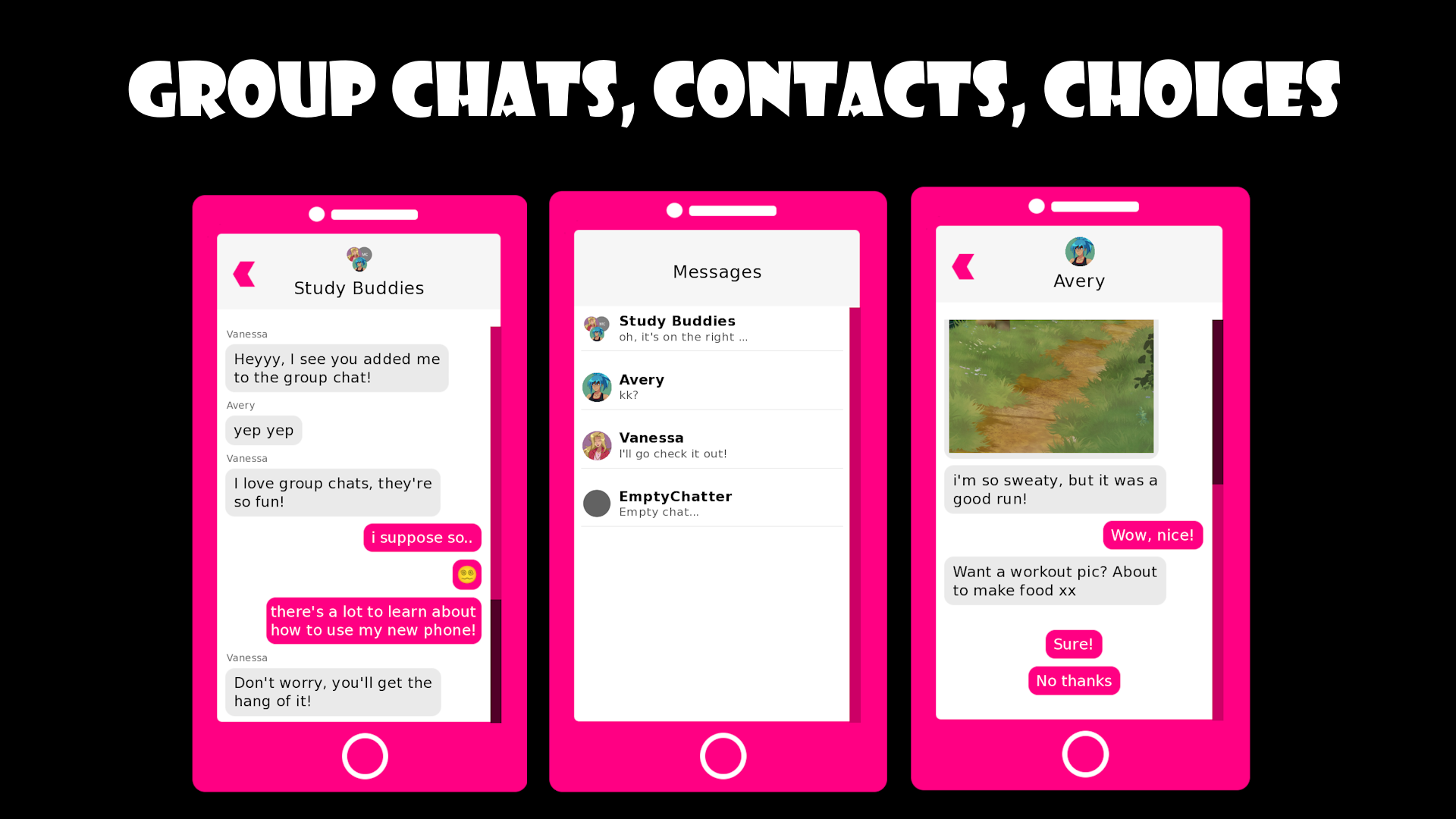
- Obviously, a contacts list and direct messages
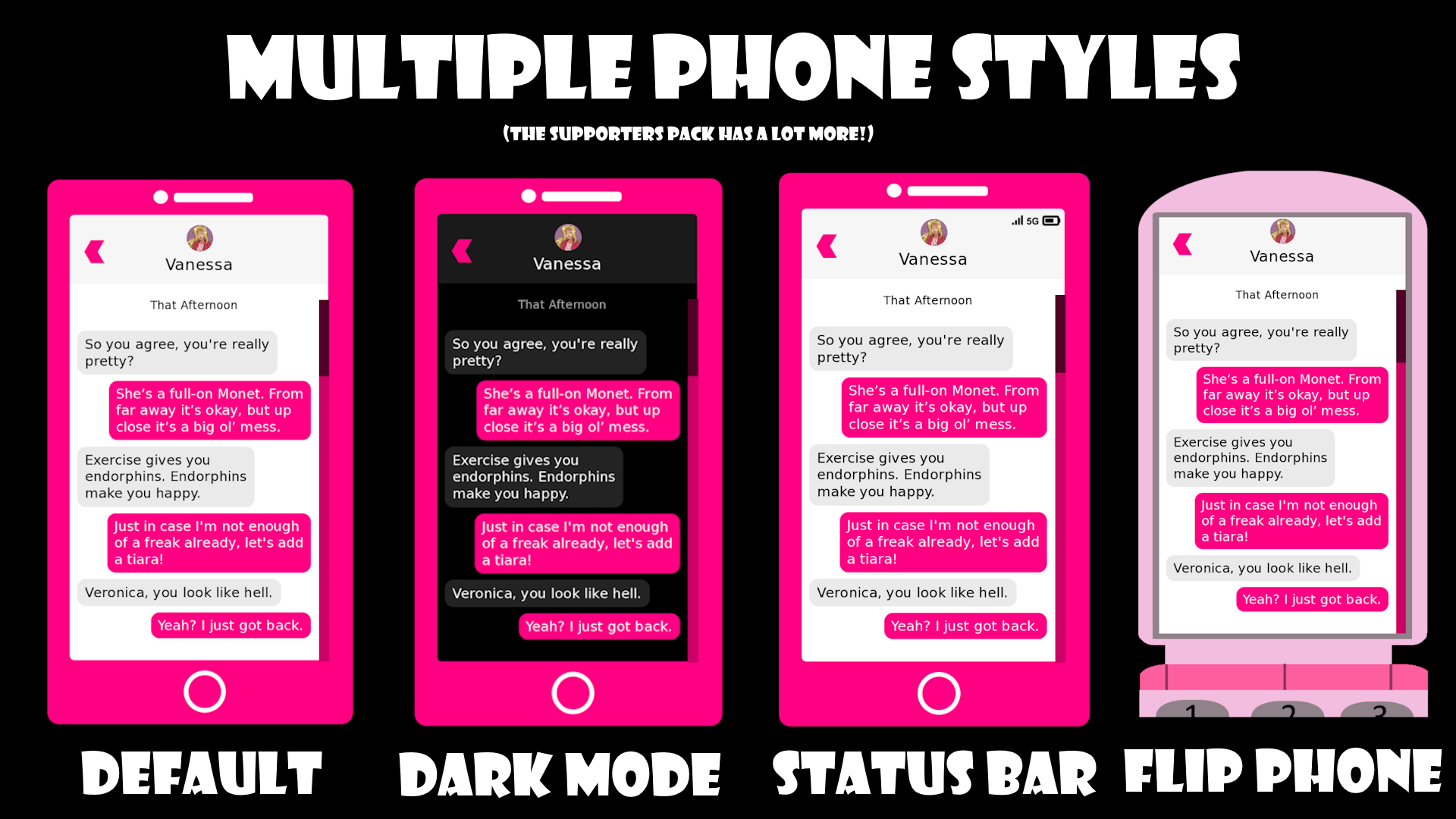
- Smart Phone mode (default) and Flip Phone mode!
- Light Mode (default) and Dark mode!
- Group chats between characters! They can join, leave, and add others as well.
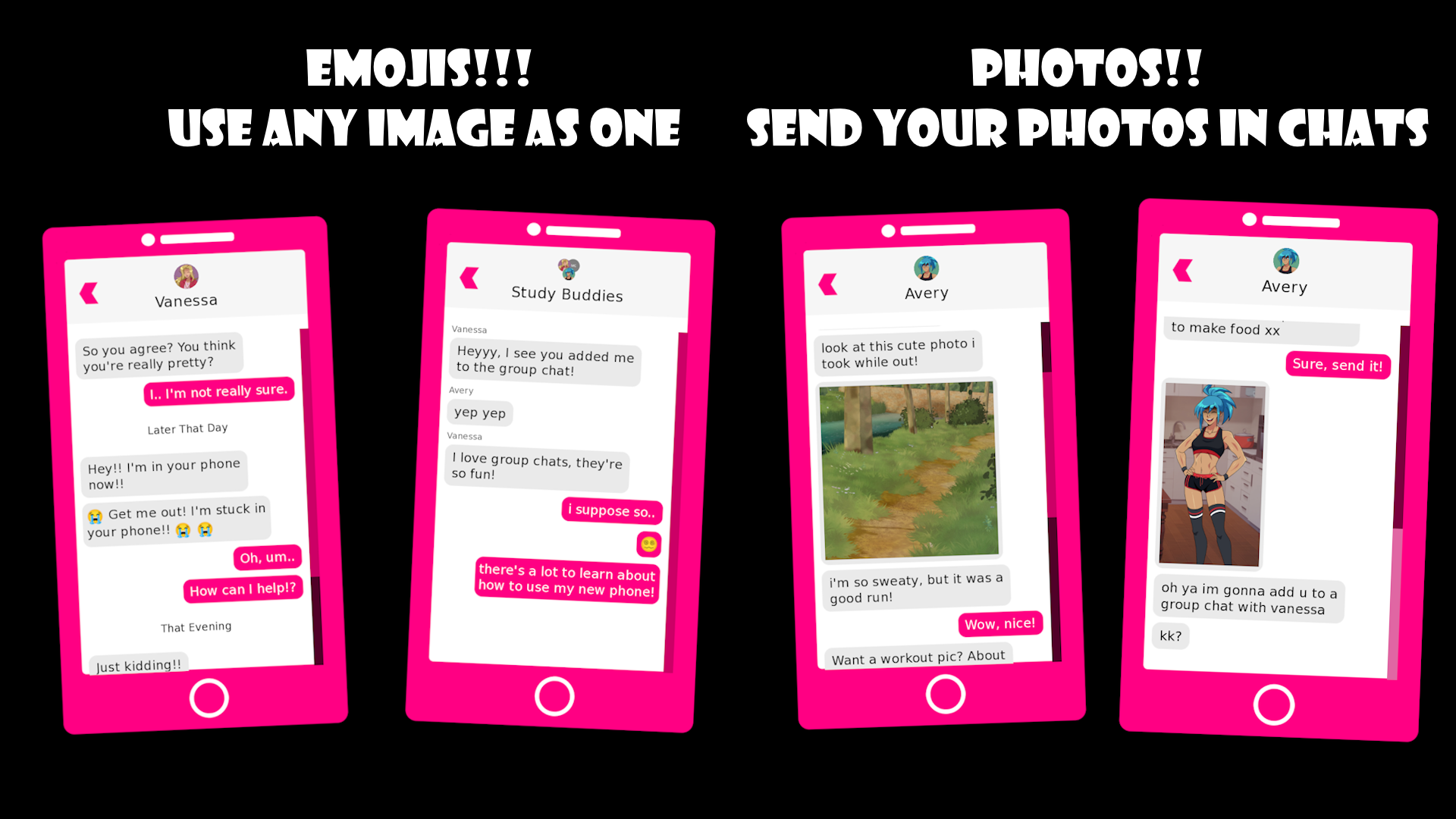
- Emojis! Use any images you want as in-line text emojis.
- Photos! Send photos in chat of any size or aspect ratio
- Choices! Have the user select what text to reply with, and optionally, make that branch to different paths with Jump/Call
- Animated! Pretty little animations that make it feel more like a real phone.
- Optional sounds included! But of course you can always use your own as well. You can also customise when they play (or if at all)
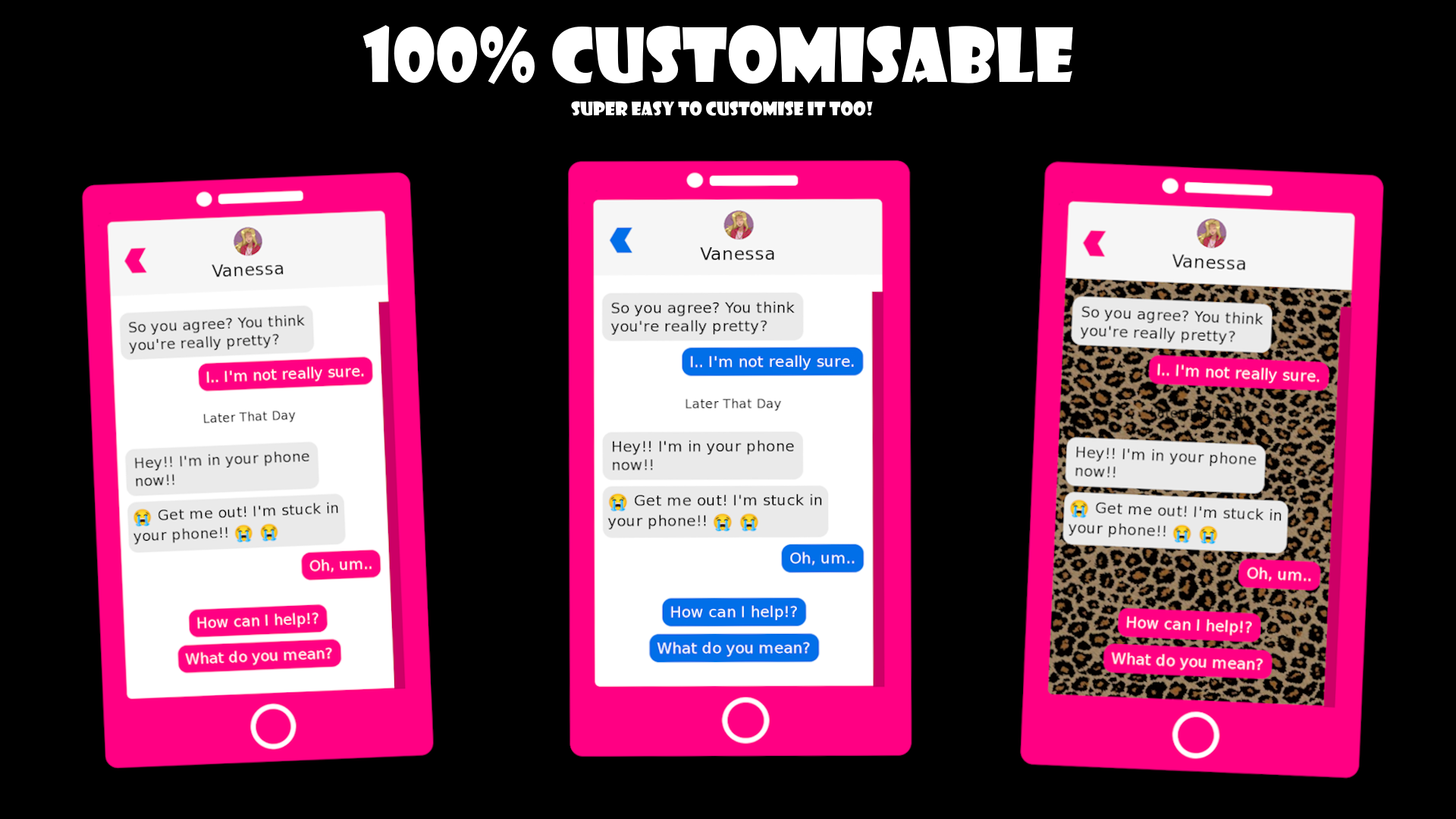
- Super easy to customise! A giant config exists at the top of the file where you can change anything from the language of the phone to the size of the text
- Easily change the phone design, screen layout, and bubbles! The images are super easy and there's a few examples of how to change it already~ (for example, adding a fake status bar to the top of the phone)
- Lots of small quality of life features: timestamps in chats, making message previews in the contact list different than the message, hiding/showing/deleting existing chats, forcing pauses, forcing the user to look at a specific chat, notifications, message history in the dialogue history, move the phone around and change the size, animate the phone, wait for the user to click to continue or have automated messages send with pauses, support Ren'Py's skip mode, and a lot more!!
- The Ren'Py Phone is 100% standalone and does not require you to change anything about your project to add it
- Does not rely on NVL mode or other special Ren'Py settings, use it anywhere anyhow
- Takes like, a few lines of code at most, to get started. I tried to make it super-duper-super easy!
- The download includes a fully fleshed out demo game, where the examples for you to copy to your project (ex. how to send a message) are in script.rpy and the phone system is in phone.rpy
- Fully documented both in code and with setup instructions in the README
- This project is free with a license that's basically "credit me"! Please see the top of phone.rpy to learn more specific details.
- Ultimately, after downloading, just head over to the README.md and go through those few steps!
😇Supporter's edition? More phones!
- This is purely optional but I did pour a tonne of love into making it, so if it helps you or you can profit off of your game with it, I hope maybe this is worth it!
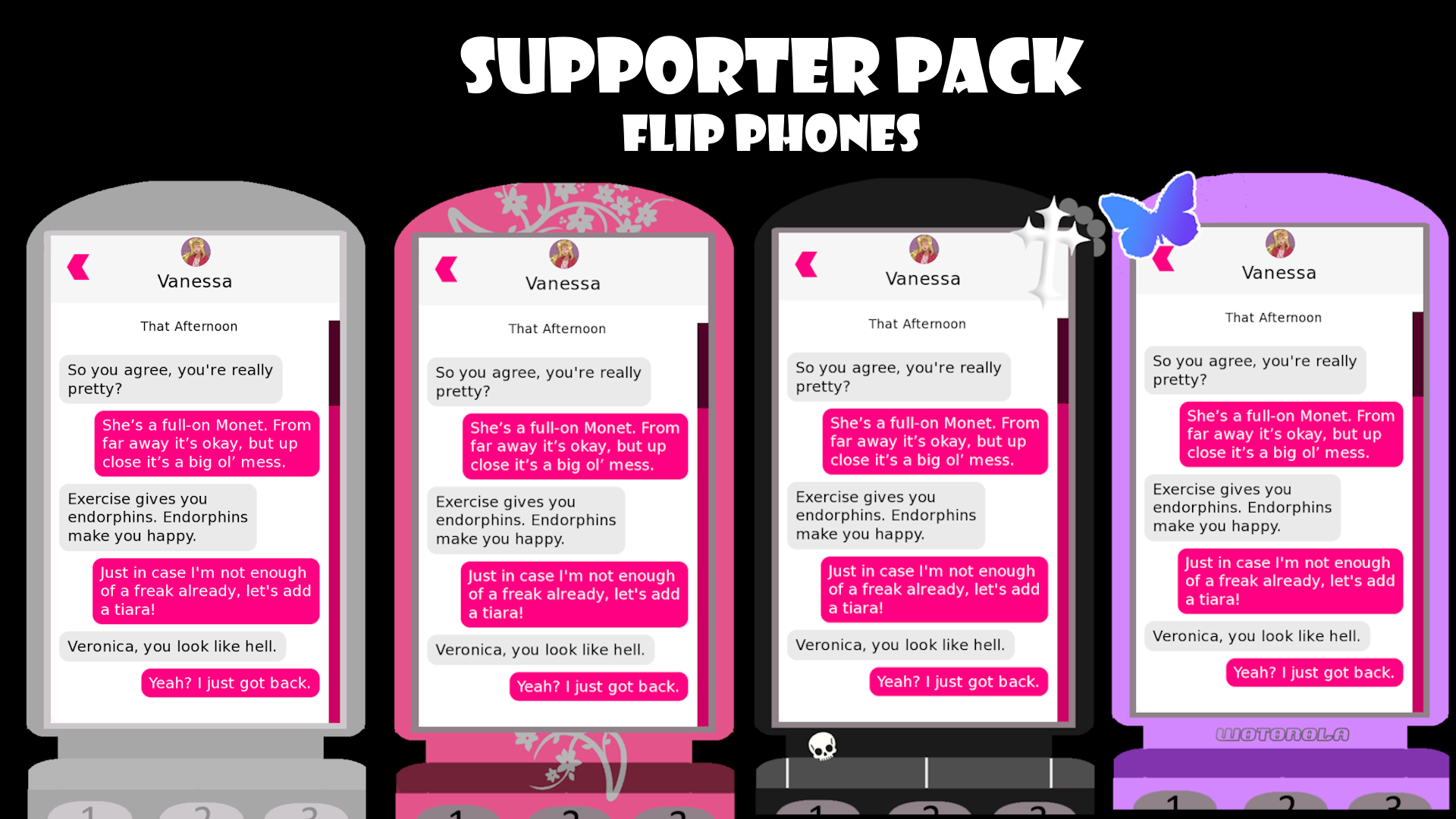
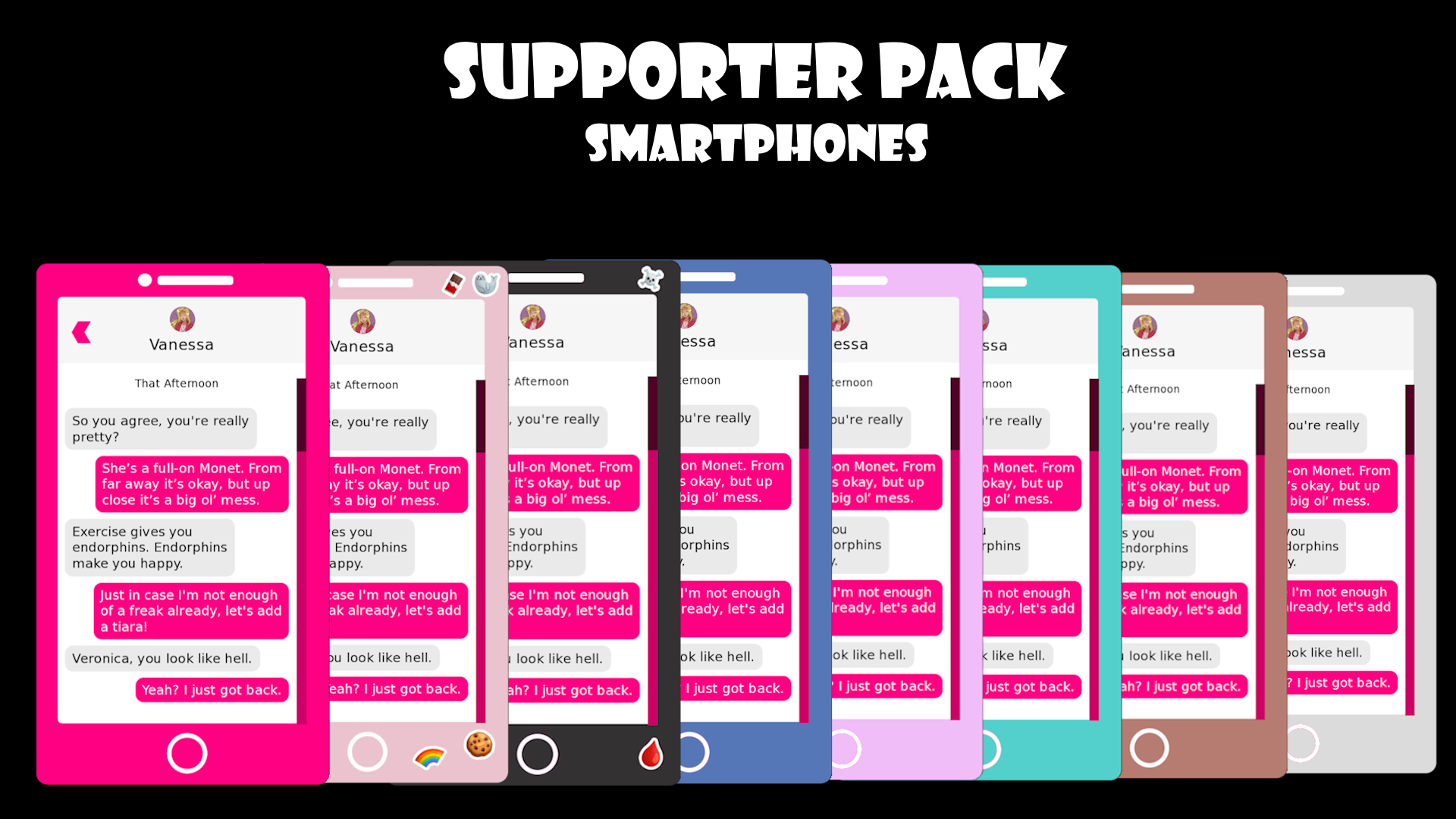
- You get 7 extra smart phone designs and 4 extra flip phone designs included! (and some of them are really heckin cute, like the flower flip phone or sticker smart phone)
- Priority support! I will help you directly, 1:1, night or day, rain or snow, even during a zombie apocalypse! (zombie apocalypse support not 100% guaranteed)
💗Projects using my phone!
- Haven University by Sam Rose, which initially was what I developed this for
- Your game here! DM me on Discord @ kleineluka!
Hey, listen! Need help setting it up, found a bug, or just have a question? Please reach out! You can find my contacts on my website here, on Discord at kleineluka, or through email (lukazoeysong@gmail.com)! 💗
Download
Click download now to get access to the following files:
Comments
Log in with itch.io to leave a comment.
Hi there! My friend and I used your phone UI in our Toxic Yuri VN, A to Z! Thanks for making this--Our concept couldn't have worked without it!
https://quandtuniverse.itch.io/a-to-z
Hi! Was curious about the "Say/who" area, if I use the phone code, then my characters names no longer fit into the text boxes. I'm pretty new to coding, but how would I fix that? Sorry if it's a dumb question! I really do love the phone concpet.
Is it possible you post a screenshot of what you mean, or the code snippet? Sorry for the late reply^^
Hi sorr for the delay. The spots i circled in yellow are visually what I mean, in my project without your code snippet the name box is more in the middle? Vs being very left centered. With your code addition the nameplate doesnt fit properly anymore. But i maybe just did something wrong. Again sorry if it's a dumb question.
But here is the code
```python
screen say(who, what):
style_prefix "say"
window:
id "window"
background (None if phone_mode else Image("gui/textbox.png", xalign=0.5, yalign=1.0))
xalign 0.5
xfill True
yalign gui.textbox_yalign
ysize gui.textbox_height
if who is not None:
text who id "who"
text what id "what"
if not renpy.variant("small"):
add SideImage() xalign 0.0 yalign
Zoey,
This is incredible! I wasn't going to include a phone in our next game, but now your code makes it possible. Thanks so much for making this available and accessible to those of us with minimal programming skills.
I spent a bunch of time playing with the phone and I have a couple questions:
-Let's say I want to switch POVs to a character who has a different phone with its own contacts, or my character obtains a second phone in addition to the one she already has. I figured out a way to accomplish this by swapping phone themes and hiding/unhiding contacts. But is there a simpler way to do this that I might be missing? Like is it possible to define multiple phones with their own themes and default contacts, and tell the game which one to pull up? If not, that's fine.
-Is it okay if we make our own custom phone skins?
Thanks again!!
-Alex
1) The way I would do this in its current implementation is to make the data currently in Phone.rpy (ex. phone_channel_data = {}) stored inside a bigger array, which can be instanced multiple times (ex. phone_data[1] phone_data[2] and each of those contains phone_channel_data and so on), and then pass the index of the phone you are currently working with to the screen and access the data through there. Though, this requires a generous amount of coding to implement, I actually have this on my roadmap for my next update for the phone! (hopefully, fingers crossed)
2) Perfectly fine!
Thanks for your kind words :) I hope it serves you well ^^
I wasn't sure if doing multiple phones would be easy or complicated, but since it's complicated I'll patiently await your next update.
Thank you! :)
Hey Zoey,
This code is amazing and it's what I'm looking for to work with my project! I have a quick question. Is it possible for the player to open and close the phone at any time/point they want? Because I was trying to create an image button and screen so the phone can be pulled up or put away at any time, but I'm having no luck. Any advice? Thanks!
Totally possible! I suggest checking out the demo script for reference. The general workflow goes something like this:
1. Once per your game's script, at the start typically, you want to call "$ reset_phone_data()". This just sets the slate blank for the start of your game. This should not happen per-button press.
2. To show the phone, at any time, you want to run "$ phone_start()" which tells the game that the phone is present and then run "show screen phone_ui". These are the two things you want to run when you press the button to show the phone.
3. To hide the phone, you should just do the inverse of the above. You want to first run "hide screen phone_ui" to get rid of the phone on the screen, and then run "$ phone_end()" to tell your game that the phone screen is no longer present and that it should act accordingly.
Basically, in your "show" button, run Step #2, and in your "hide" button, run Step #3 - two lines of code each. If you need further help or have further questions, feel free to reach out to me on Discord @ kleineluka. I hope this helps ^^
Hey Zoey,
Thanks for this, it looks perfect!
Just a (probably dumb) question: are the config texts translatable? ("...joined the group", "... left the group", etc.)
Yep yep. In "phone.rpy" you can see in the "phone_config" variable, there are a few things that may be of interest:
Just change them here and it will be good to go :)
Hi!! This is sooo awesome!! I'm using this in my game Yuki's Oblivion (its in development still). Will, of course, be crediting ^^
Awesome!! Thanks so much for sharing and I'm glad it's working well for your use-case, I can't wait to see it when it's done :)
Hi Zoey,
Thank you for the awesome script! I just played the demo and I noticed the profile picture at the top and the text at the bottom goes outside of the phone screen, is this intentional? If so how do I make anything outside of the phone screen cut off? Or at least scale them in a way so they fit in the first place? Thank you so much in advance!
Hi! Is it possible you could show a screenshot of what you mean? I'm not sure I see that on my end in the demo. Also, your device and resolution may help, in case it's a scaling issue. Thanks :)
I'm on Windows 11 Desktop, and using resolution of 1920 x 1080. Here's a screenshot: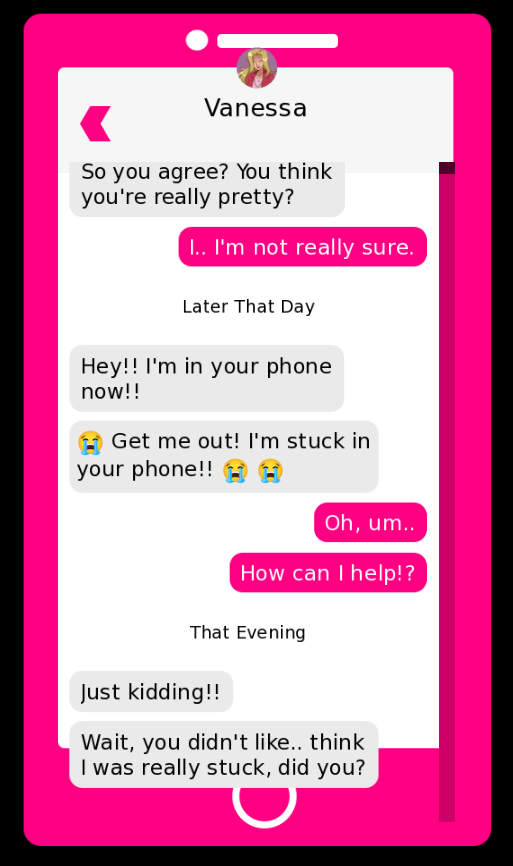
Did you change anything at all in the demo? That's so strange, I don't have that happening on my end. It looks just like a z-order issue with the phone case being too low. Does changing the window's aspect resolution impact it at all (ex. shrinking the window make it go away)?
The only thing I changed is renaming the inner folder to Game so Renpy can run it, and putting the game in the same folder as my other renpy project. though I re-downloaded and it's still the same thing. But I think I figured it out. in the message_viewport, you defined the ysize to be 750, so I removed that line and it somehow auto-scaled on its own with the correct ratio O_O
Hmm, strange. I'll have to take a look at that line of code. So does it all work as intended now?
Thank you so much for leaving this comment!
I had the same issue and your fix of removing that line solved it!
This code is perfect, thank you !
I'm having some issues with it as I'm fairly new with Ren'py but I'm learning ! I alas need your help with a little problem I can't seems to resolve : my textbox keeps appearing in the back of the phone when it's open ! It's just... slighty smaller, and return to normal once the phone is closed.
Do you have any idea how to make the textbox disappear for good ? Thank you very much for your time !
hihi yes! thank you :) and did you adjust the screens.rpy with the code snippet in the README? basically, you add an extra line if the global phone mode is toggled on, to hide the textbox completely. feel free to add me on discord (kleineluka) if you need further help
I did, but with no effect :/ ! I even erased persistent data after changing but it didn't work... Thanks for your time and proposition !
EDIT : I found the problem ! I erased by mistake a # in front of " background Image("gui/textbox.png", xalign=0.5, yalign=1.0)" in the style window !
EDIT OF THE EDIT : I am but a fool and my ancestors are disappointed in me. Changing this # made all my textbox disappear, with or without the phone open. Fixed this, but now the textbox during phone is back.
Hi, I'd need to see your screen code to help further debug as I'm a bit lost as to where you are right now in the process of debugging it. If possible, could you reach out on Discord? It's a bit easier than Itch.io comments and I am much more active :)
Hello, it's me again !
Sorry to bother you, I found a way to solve my last problem but I now have another one : every channel name (the character name) disappear when I play on full screen instead of windowed.
Do you know if there's a way to fix this ?
Thank again for your time and your amazing code !
Can I ask how you fixed it? I believe I'm having the same issue you were. My textbox is still showing behind the phone UI. It's happening even with the readme snippet applied.
oh cool, i wonder if is possible turn it in a discord screen? I was trying do it with nvl system but still no sucess i will try it thanks
I plan to release a Discord-like chat program soon as well :) it is absolutely possible, even just with refactoring the code here. o/
It's just perfect, thank you so much.